
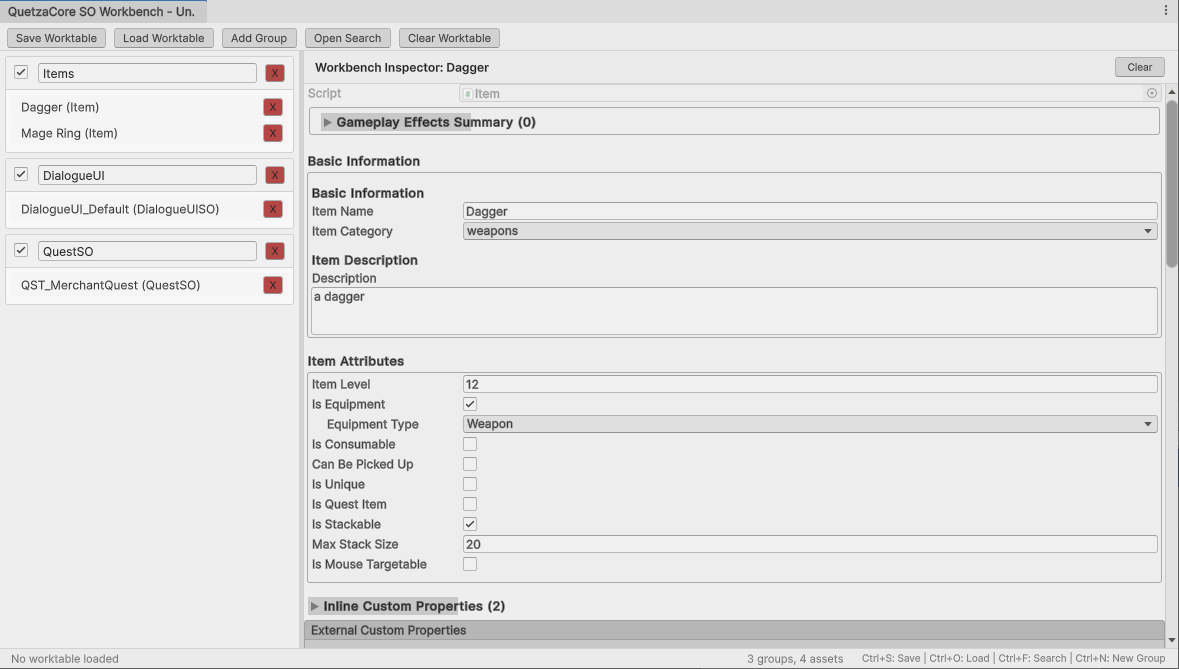
Scriptable Object Management
ScriptableObject Focus: Specifically designed for managing ScriptableObject-derived assets.
Smart Filtering: Automatically filters and accepts only ScriptableObject assets during pinning.
Reference-Based: Pinned items are shortcuts to the original assets - your project's folder structure remains unchanged.
Live Editing: Selecting a pinned asset shows it in the Inspector for direct editing.
Undo/Redo in Workspace Inspector: Properly handles undo/redo for ScriptableObject property changes (which Unity doesn't do automatically), using standard shortcuts (Ctrl+Z, Ctrl+Y, Ctrl+Shift+Z).
Asset Persistence: Ensures changes are saved to disk with EditorUtility.SetDirty().
Works in both Light and Dark mode!
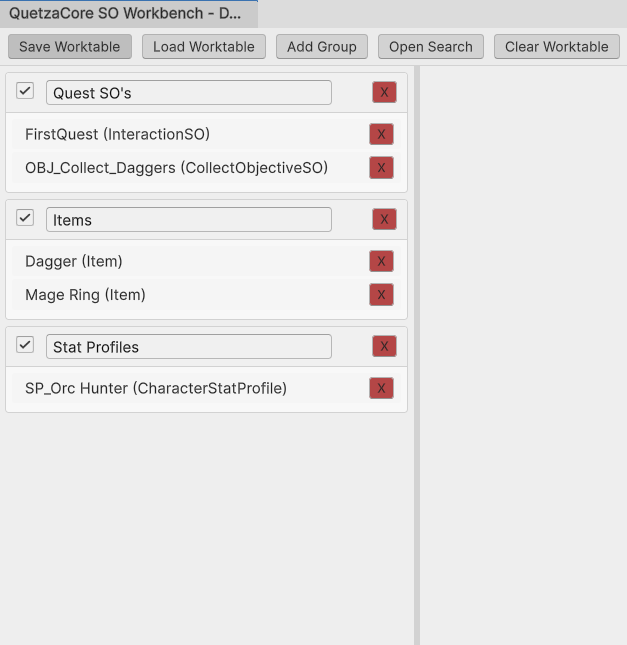
Scriptable Object Organization
Asset Grouping: Create collapsible groups within the Worktable to organize assets by feature or task.
Drag-and-Drop Organizing: Drag assets from one group to the other to keep your Worktable organized.
Group reordering: Drag groups to reorder them in the Worktable.
Asset reordering within groups: Drag assets up/down to change their order within a group.
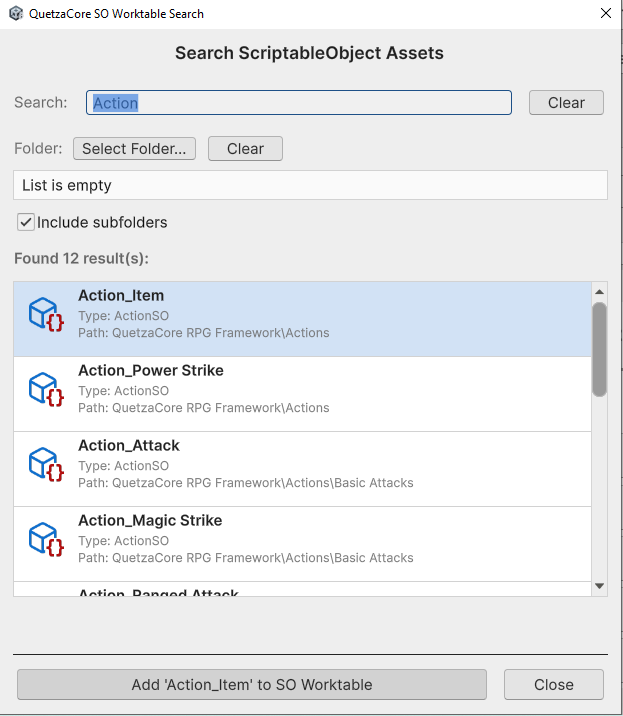
Searching and Add Scriptable Objects
Drag-and-Drop Pinning: Easily add ScriptableObject assets to the Worktable by dragging them from the Project window.
Context Menu Integration: Right-click ScriptableObject assets anywhere in Unity to "Pin" them directly to the Worktable.
Search: Search window allows you to find any ScriptableObject in your project. Search by filter also available.
Demos and Tutorials